Attik Update - Inspector Performance Dashboard, Contact Activity Feed & Attik-Native Sample Reports

Summary
Admins get a new inspector performance dashboard, a contact activity feed, and Attik-native sample reports with skin selection.
Quote portal AI framing, the Client Care employee table, and Launchpad’s payment mix all got more accurate, more consistent views.
Archived reports can be reverted to pending, and My Daily Schedule now shows every inspection for the day.
Sample Reports search, cross-company quote access, Google Calendar connection, and office calendar staff visibility were all fixed.
New Features
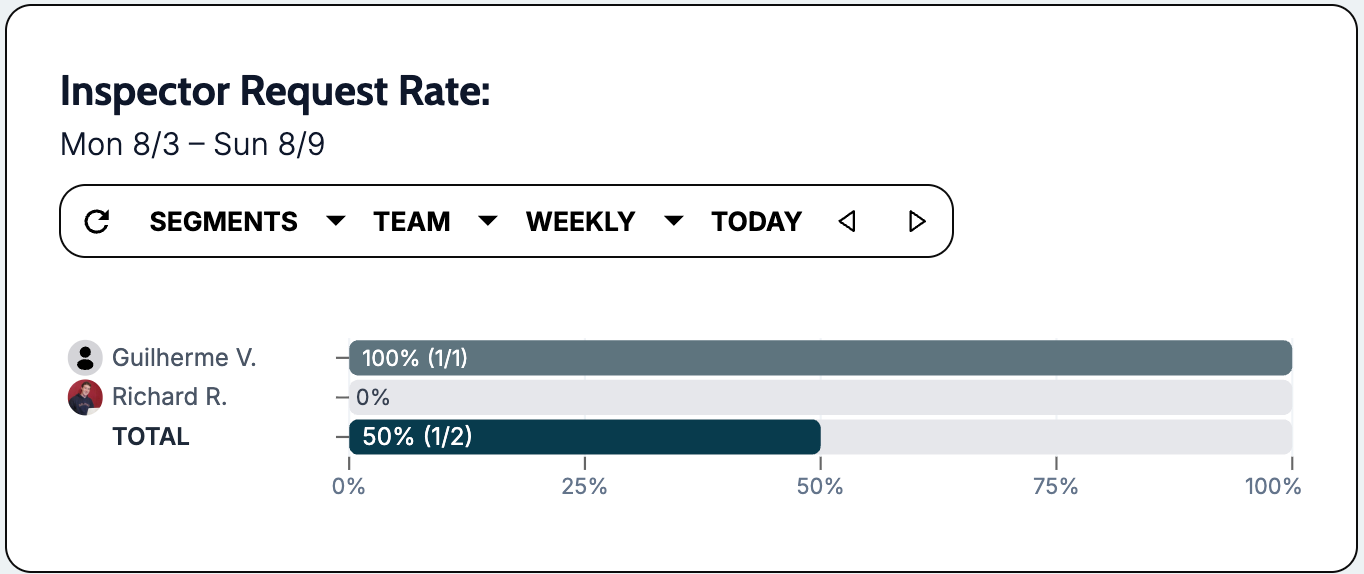
Inspector performance dashboard
What changed: Admins can view inspectors ranked by request volume and inspection workload, with brand and date filters.
Where to find it: Admin dashboard → Inspector performance (permission based - default off)
Contact & Event Block activity feeds
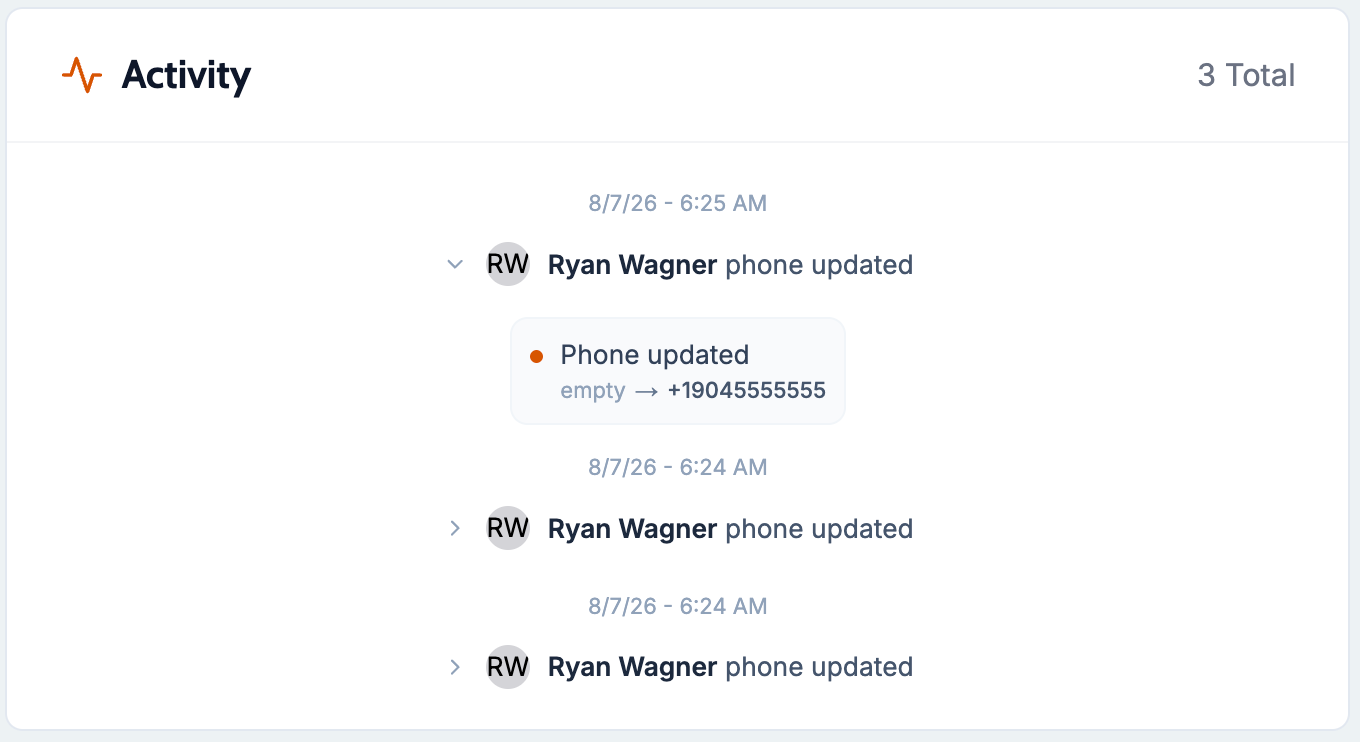
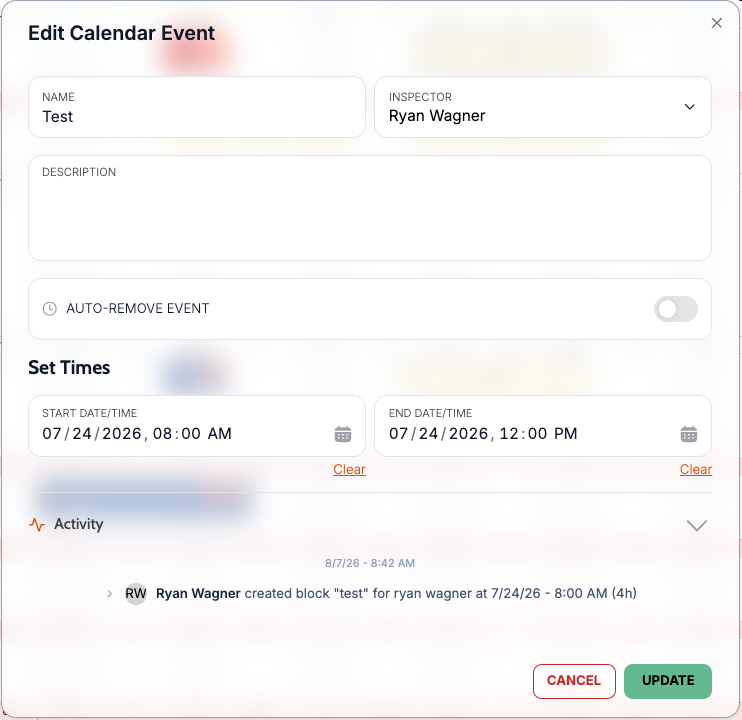
What changed: Contact profiles and calendar block events now show a timeline of activity.
Where to find it: Contacts → open a contact → Activity OR Event Block → open block → Activity
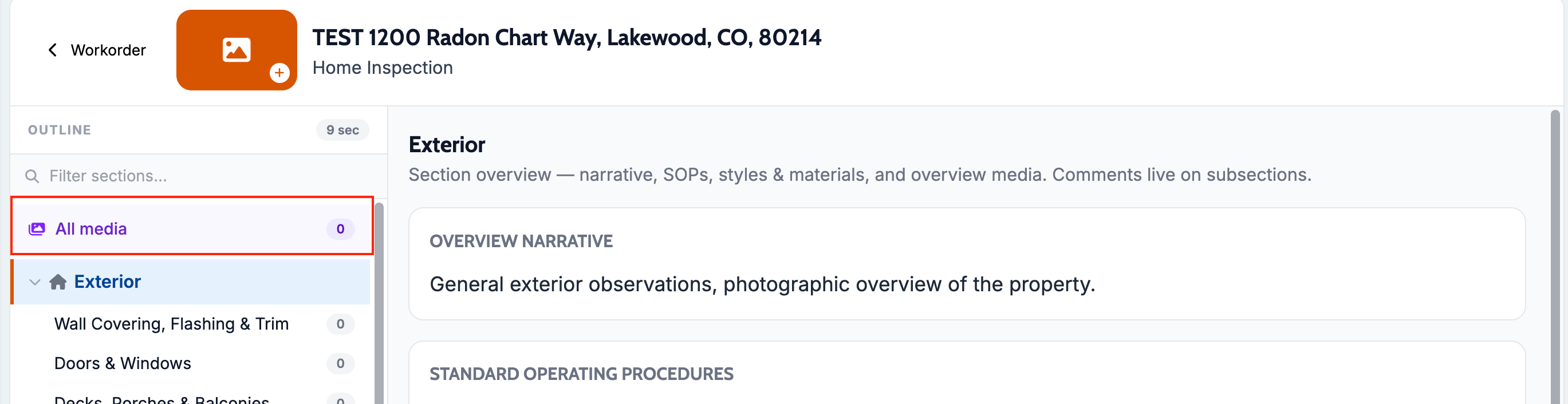
All-media gallery in the report editor
What changed: Staff can review all media captured during an inspection in one place, including photos not attached to any comment.
Where to find it: Report editor → Media gallery
Attik-native sample reports and skin selection
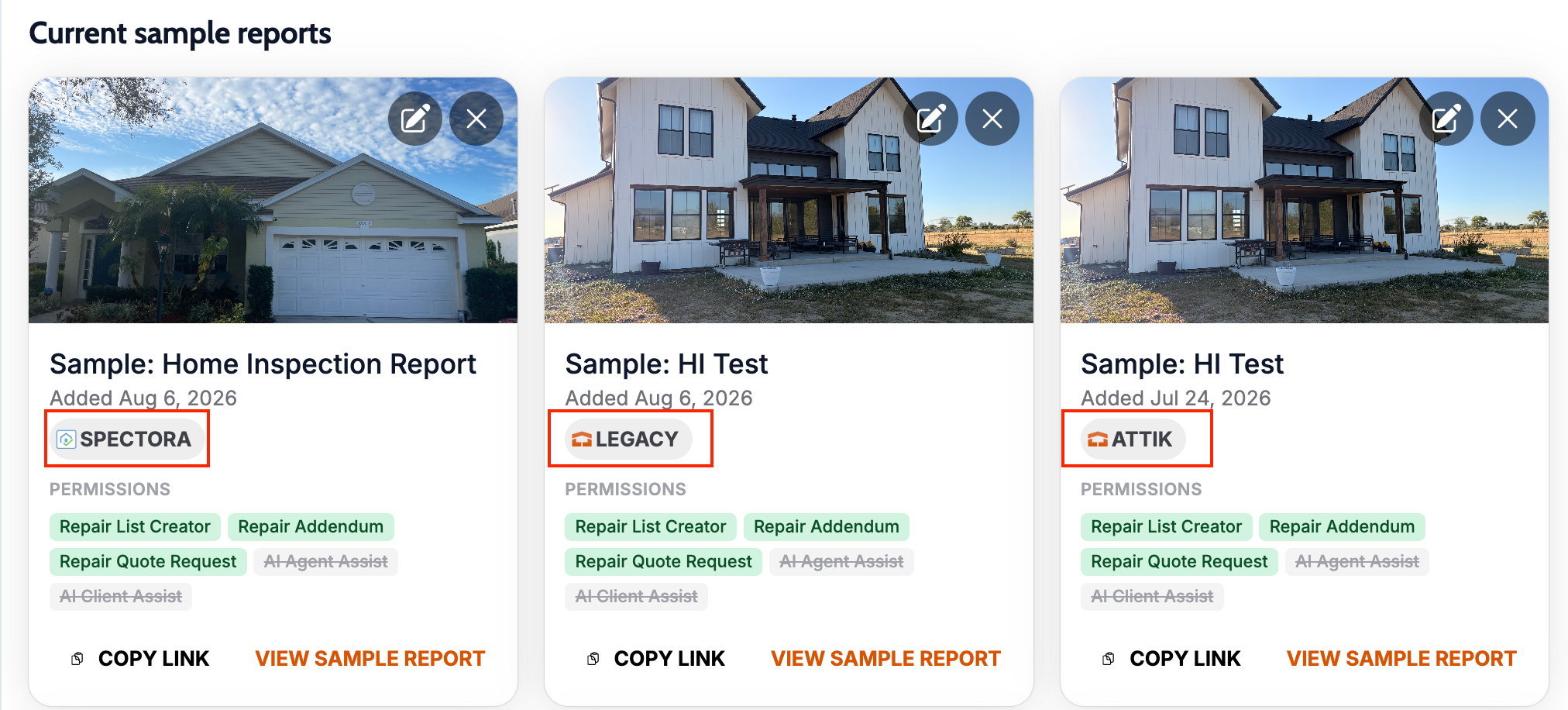
What changed: Sample reports can now use Attik-native reports, and admins can choose which client skin opens for those samples.
Where to find it: Settings → Sample Reports
Improvements
Single attribution lens for the Client Care employee table
What changed: All Client Care employee table columns (revenue, close rate, upsell, cancellations) now attribute to the same person. Previously some columns credited whoever scheduled the job while others credited whoever created the quote, which could make the numbers not add up against each other.
Where to find it: Client Care dashboard → Employee table
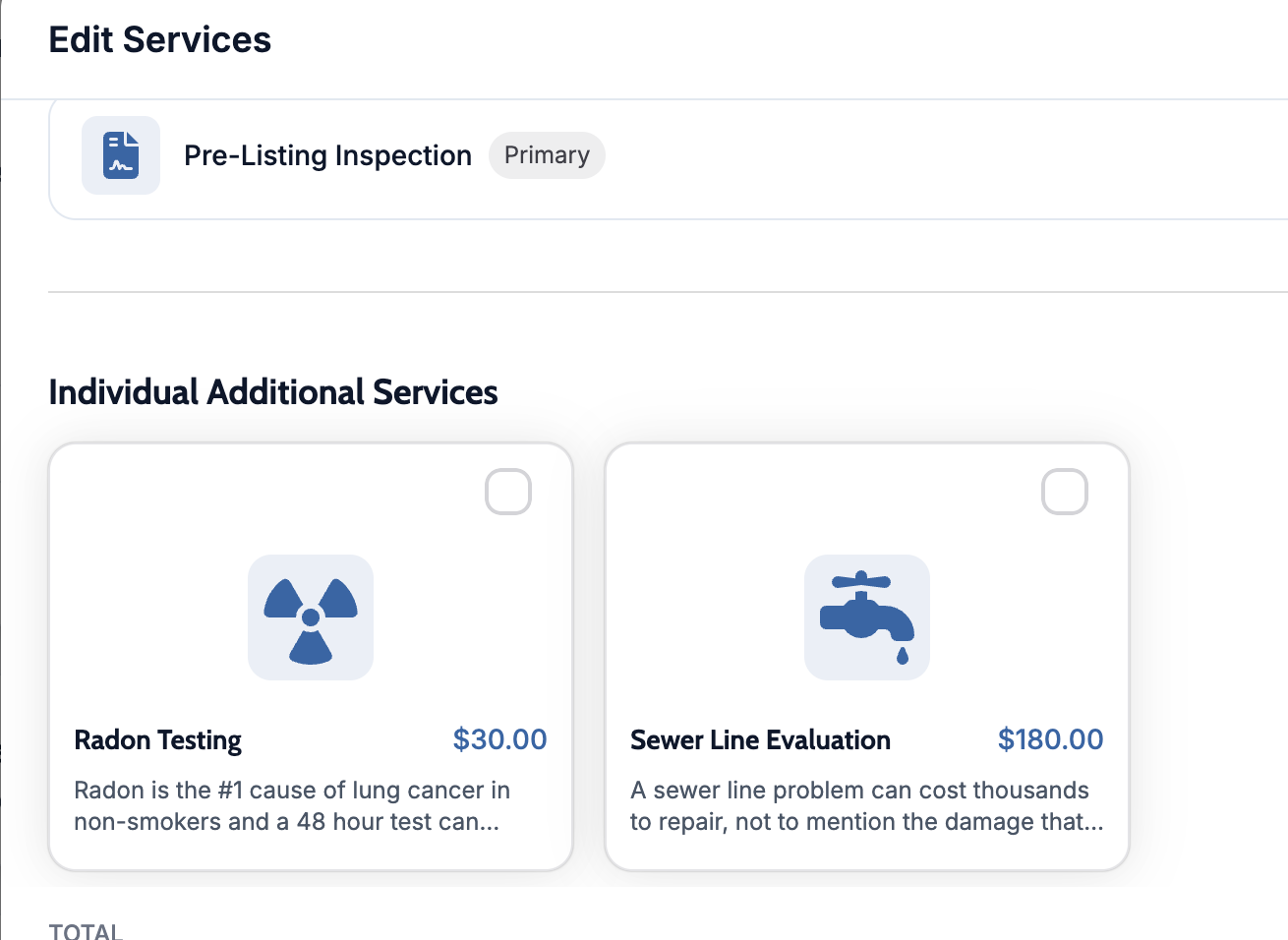
Quote portal AI framing respects service settings
What changed: When AI add-ons are turned off for a service, the quote portal no longer shows the AI analysis section or confidence chips. Bundles and additional services still appear.
Where to find it: Quote portal → Edit Services
My Daily Schedule shows the full day
What changed: The daily schedule no longer stops at 10 inspections for the selected day.
Where to find it: My Daily Schedule
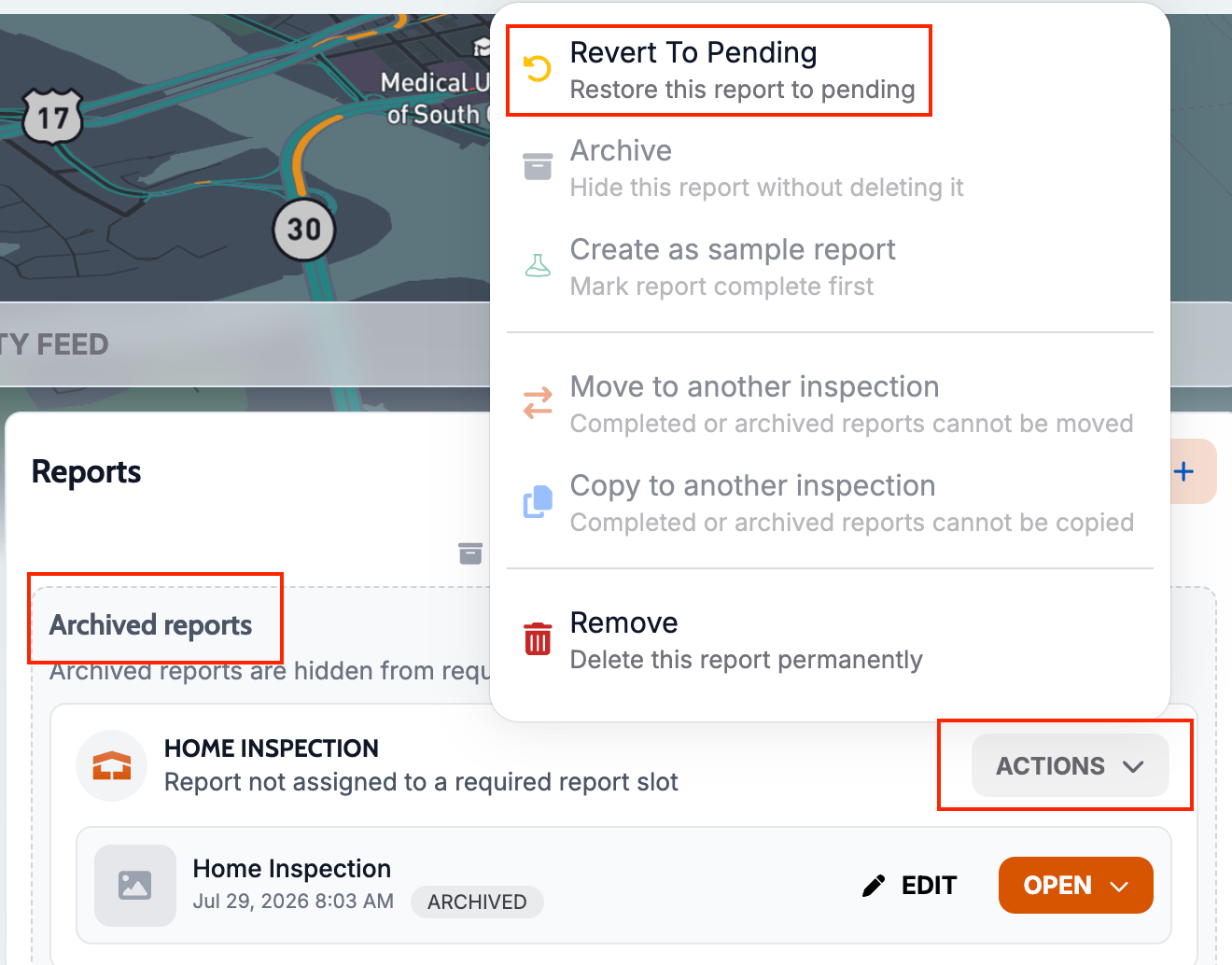
Archived reports can be returned to pending
What changed: The report actions menu now includes Revert To Pending for archived reports.
Where to find it: Report actions menu
Launchpad payment mix excludes imported jobs
What changed: Payment Type & Fees on the Admin Attik Launchpad Revenue dashboard now reflects only Attik-created jobs, so imported jobs no longer skew the mix.
Where to find it: Launchpad Revenue → Payment Type & Fees
Bug Fixes
Sample Reports search works with full addresses
What changed: Address search now matches the full saved address, including city, state, and ZIP, so sample reports can be added from Settings again.
Where to find it: Settings → Sample Reports
Applies to: Existing and future records
Contact emails reject delimiter-joined addresses
What changed: Contact email fields now require real email addresses, preventing semicolon-joined strings from being saved as one address.
Where to find it: Contacts → create or edit contact
Applies to: Existing and future records
Cross-company quote access is blocked
What changed: Opening a quote from the wrong company now shows an access denied state instead of empty panels that look broken.
Where to find it: Quotes → open a quote by direct link
Applies to: Existing and future records
Google Calendar connection no longer fails on redirect
What changed: The Google Calendar OAuth flow now completes correctly from Account Settings.
Where to find it: Settings → Integrations → Google Calendar
Applies to: Future records only
Office calendar staff rows are reachable
What changed: All active office staff can now be scrolled to on the office calendar.
Where to find it: Calendar → Office
Applies to: Existing and future records
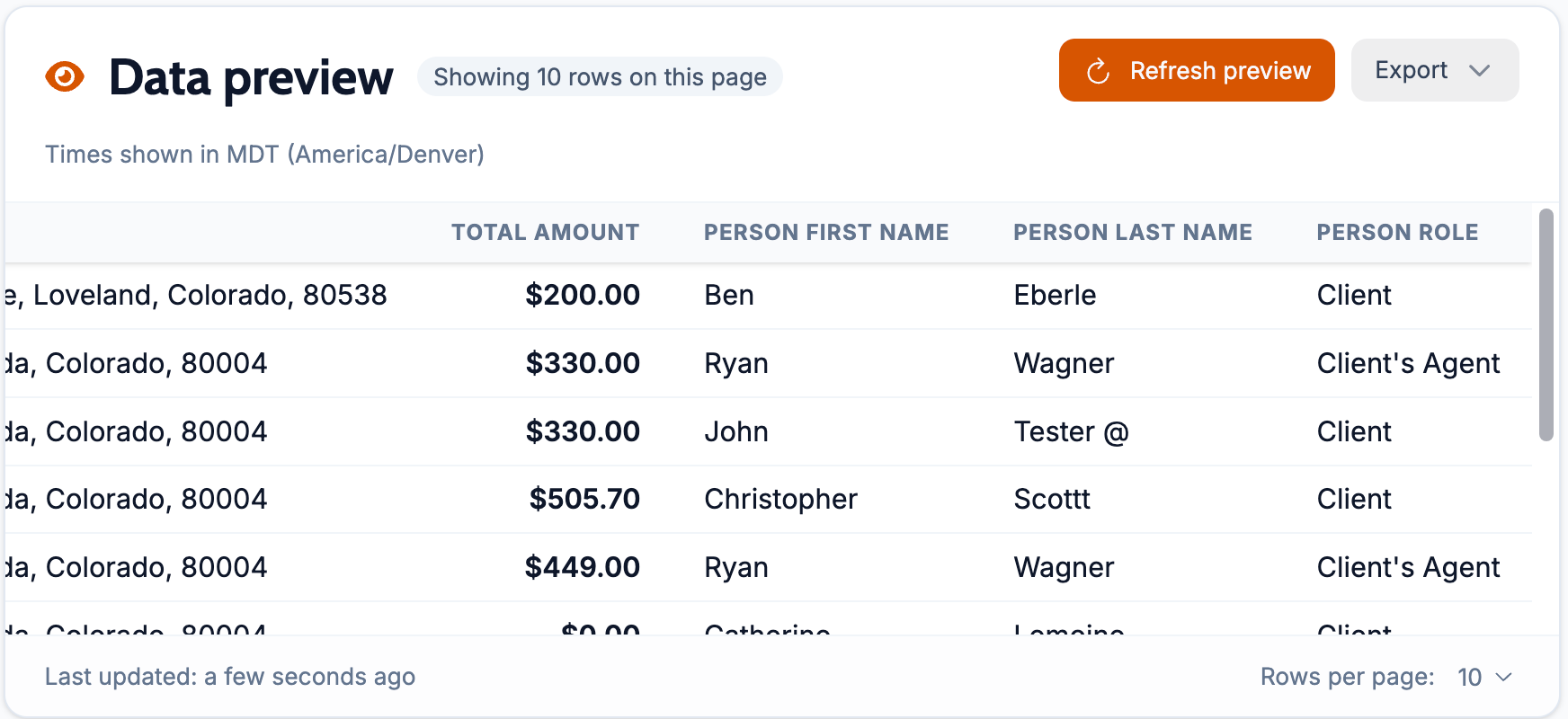
People-linked inspection reports keep their columns
What changed: Data exports and previews no longer blank out most base columns when People is linked.
Where to find it: Inspections → Create Report / data export
Applies to: Existing and future records